The Best CRM for Freelancers: A Solo Operator Scorecard
The right CRM for freelancers tracks your pipeline, needs under 15 minutes of weekly upkeep, and works for a team of one. Here is a scorecard plus free and paid picks.
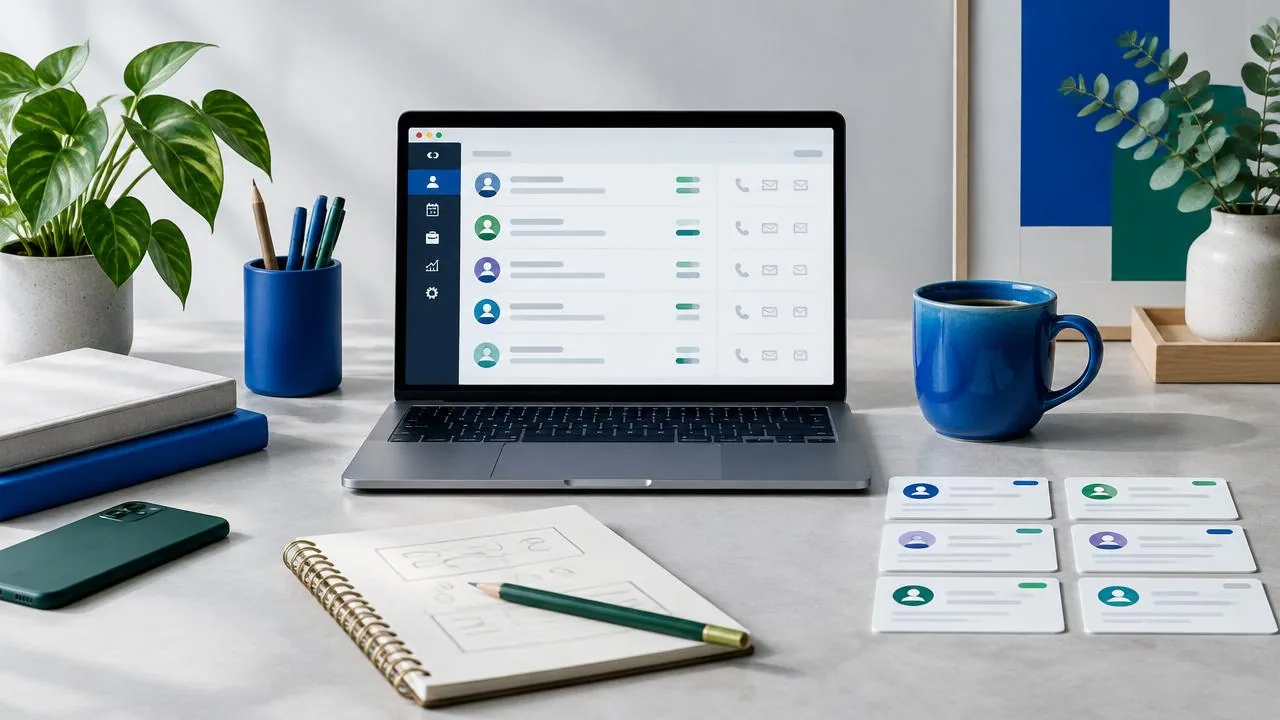
The right CRM for freelancers is the one you will actually keep updated: it tracks your pipeline from first call to proposal to invoice, needs under 15 minutes of upkeep a week, and works for a team of one. This article scores free and paid picks against those three tests, then covers what freelancers on Reddit say breaks each tool.
Key takeaways
- A freelancer CRM must record relationships, trigger follow-ups automatically, and log data with near-zero manual upkeep.
- Spreadsheets break at 20-30 active clients because they lack record relationships, audit trails, and automated follow-up triggers.
- Map your pipeline to seven stages from Lead to Past Client, with each stage change triggering the next task automatically.
- Score tools on solo-user fit, pipeline flexibility, follow-up automation, upkeep burden, and free-tier limits.
- Run break-even math on missed follow-ups: if a lost deal costs $3,000, a $40/month subscription pays for itself quickly.
What does a freelancer actually need from a CRM that a spreadsheet can't do?
A spreadsheet stores names and numbers, but it can't do three jobs a freelancer CRM must do: keep every touchpoint attached to the right person, remind you who is waiting on you, and log itself as you work. Miss any one of those and follow-ups slip.
The three jobs a freelancer CRM must do
First, record relationships: notes, context, how you know someone, all linked between people and deals. Second, trigger follow-ups: a CRM should surface who you haven't contacted, not require you to remember. Third, stay current with near-zero upkeep, pulling details from inbound emails and call notes instead of waiting for you to type them.
Why the spreadsheet breaks at 20-30 active clients
Below that, memory and a sheet cover you. Past it, upkeep becomes burdensome, and operators describe exactly this: "keeping high quality and up to date info on the CRM has become burdensome" and hunting for "the simplest way to automatically pull data from inbound emails... and update the CRM" (Reddit thread snapshots). Excel has no record relationships, no audit trail, and no way to trigger a nudge. That's the gap a purpose-built simple CRM fills, and why we built Simple CRM AI around automatic logging first.
How should a freelancer map CRM stages to proposal, project, and invoice milestones?
The seven stages that match freelance work
A freelancer's pipeline is not a sales funnel, it is a delivery lifecycle. Use seven stages: Lead, Conversation, Proposal Sent, Project Active, Invoiced, Paid, Past Client. Each stage should map to one document: a conversation, a proposal, a signed scope, an invoice, a payment confirmation.
| Stage | Exit condition | Handoff rule | | --- | --- | --- | | Lead | First reply from them | Log where they came from | | Conversation | Scope discussed | Capture budget and timeline in notes | | Proposal Sent | Proposal delivered | Set a 5-day follow-up task | | Project Active | Deposit received | Link scope doc to the client record | | Invoiced | Invoice sent | Track due date, not send date | | Paid | Payment cleared | Trigger a check-in task for 60 days out | | Past Client | Work delivered | Review quarterly for new work |
Handoffs where deals die
Most freelance revenue leaks at two handoffs: proposal sent with no follow-up task, and project delivered with no invoice trigger. If your CRM does not create the next task automatically at each stage change, you are the follow-up system, and every unlogged touch is lost revenue. Tools like Simple CRM AI, Pipedrive, or HubSpot can automate stage-based tasks; a spreadsheet cannot. This is also why referral and networking habits for founders belong in the pipeline, not in your head: every Past Client should have a next-touch date or they stop producing work.
What scorecard should you use to pick a CRM as a solo operator?
Score every option, including ours, on five criteria.
Solo-user fit. One seat, no admin work, setup in an afternoon. If the tool assumes a sales team, it fails.
Pipeline flexibility. Your stages are proposal, project, invoice — not "prospecting" through "closed won" borrowed from a sales org.
Follow-up automation. Can it remind or draft the nudge when a client goes quiet? This is where an AI CRM earns its keep versus a passive database.
Upkeep burden. If notes and contact details only stay current when you type them in, you will stop. The Reddit pattern is clear: upkeep becomes burdensome within months.
Free-tier limits. Free plans differ wildly on contact caps and automation access, so check each vendor's current limits before committing — Zoho's own pages are the honest place to start: Zoho CRM.
Weight upkeep and follow-up heaviest. A cheap tool you abandon costs more than a paid one that runs itself.
Which free CRMs for freelancers hit their limits first?
Free tiers are worth testing, but every one runs out of room at a predictable point. Score each against the solo-operator criteria: pipeline stages you control, proposal-to-invoice handoffs, and single-user limits.
HubSpot free tier
The free tier is genuinely free for one user, and contact records plus deal stages work fine for a small book of business. The limit shows up fast: features like sequences and heavier automation sit behind paid tiers, and the interface assumes a team with roles. A solo consultant on HubSpot free often ends up ignoring two-thirds of the menus. If you outgrow it, the paid jump is steep relative to your headcount.
Zoho free options
Zoho's free tier is capped at a small number of users and basic modules, which suits a freelancer but leaves little slack. The real friction is setup: the depth of configuration options means you spend evenings building what you should be selling. It fits operators who like tinkering more than those who want follow-up handled for them.
Pipedrive
Pipedrive has no permanent free tier, only a trial. It earns its place because the pipeline model matches how freelancers actually move from proposal to close. Where it falls short for a solo operator: notes, follow-ups, and data entry stay manual, which is exactly the upkeep burden that makes CRM feel burdensome.
That upkeep problem is the quiet dealbreaker across all three. A CRM you must feed by hand eventually becomes the Excel sheet it replaced, just with more fields. This is where an AI-run option like Simple CRM AI earns its keep: the agent logs touches, drafts replies, and moves deals so the system maintains itself. Honest caveat: if you want deep manual control over every field and stage, Zoho or Pipedrive will serve you better than an agent-driven tool. Pick based on whether you want to run the CRM or have it run.
When is a paid CRM worth it for a solo freelancer?
Run the break-even math on your own follow-ups, not on features. If your average project is worth $3,000 and a missed follow-up kills one deal a quarter, a $20-40/month subscription pays for itself four times over. Free tiers fail solo operators on caps before they fail on features: HubSpot's free plan, for example, limits how many records you can enroll in automated sequences, per HubSpot's knowledge base. When automation is the thing you actually need, a cap on it is the whole product missing.
Paid also buys you out of CRM upkeep. You are the follow-up system; every hour logging touches is an unbilled hour.
The honest case for and against Simple CRM AI
Simple CRM AI is built for exactly this break-even case: an AI agent per client that drafts follow-ups, takes notes, and moves deals forward, so the CRM updates itself. The trade-off is real. It has fewer integrations and a thinner reporting layer than Pipedrive or Zoho, and if you want heavy manual pipeline customization, you will feel the ceiling. It fits a relationship-driven book of business, not a data-heavy sales team. We covered the underlying mindset in your relationship operating system.
What do freelancers on Reddit consistently complain about with popular CRMs?
Upkeep is the number one killer
The loudest complaint from solo operators is that the CRM becomes a second job. One founder described it plainly: "keeping high quality and up to date info on the CRM has become burdensome" (Reddit thread on CRM upkeep). The same thread asks for the simplest way to pull data from inbound emails and call transcripts into the CRM automatically, because manual logging is where records go to die.
The pattern: you are the follow-up system, and every touch you forget to type in is a touch that never happened. That is why auto-logging of emails, notes, and next steps matters more than pipeline widgets for a 1-3 person shop.
Overkill for small teams
The second complaint cuts the other way. Popular tools like HubSpot and Zoho get called too complex and overkill for their size, so freelancers retreat to Excel, where records have no relationships, no audit trail, and break quickly. The fix is a middle path: a simple CRM that does the logging for you, which is the pitch behind Simple CRM AI, where each client gets an agent that follows up, takes notes, and drafts replies.
How do you migrate an existing client list into a new CRM in one weekend?
Saturday: clean and import
Export your spreadsheet to CSV, then dedupe by email address in the spreadsheet before importing anything. Delete dead rows; keep warm and active contacts even if the data is stale.
Tag every remaining row with a pipeline stage: lead, proposal sent, active project, or past client. Import in the afternoon and spot-check ten records for mangled phone numbers or lost notes.
Sunday: automations and first follow-ups
Set one follow-up rule per stage: a reminder 7 days after a proposal goes unanswered, a check-in 30 days after a project wraps. Skip anything fancier on day one.
Then write follow-ups for your five hottest contacts by hand so the pipeline is live Monday morning. Week one, log every touch as it happens; if upkeep feels burdensome by Friday, that is a tool problem, not a you problem.
FAQ
What is the best free CRM for freelancers?
HubSpot's free tier is the strongest starting point, offering genuinely free contact records and deal stages for one user. Expect friction quickly, though. Sequences and heavier automation sit behind paid tiers, and the menus assume a team with roles, so solo operators often end up ignoring most of the interface.
What do freelancers on Reddit recommend as the best CRM?
Reddit threads point to two recurring themes rather than one tool. The loudest complaint is upkeep: solo operators describe keeping records current as burdensome and ask for automatic logging from inbound emails. The second is overkill, with HubSpot and Zoho called too complex for small teams, which pushes freelancers back to Excel.
Is a CRM worth it for a solo freelancer?
Run the break-even math on missed follow-ups. If your average project is worth $3,000 and one lost deal a quarter comes from a forgotten nudge, a $20-40/month subscription pays for itself four times over. Paid tools also remove upkeep: every hour you spend logging touches manually is an unbilled hour.
Can I just use Excel or Google Sheets as a CRM?
Below roughly 20-30 active clients, a sheet plus memory covers you. Past that, it breaks: no relationships between records, no audit trail, and no way to trigger a follow-up nudge. You become the follow-up system, and every touch you forget to log is a touch that never happened. That is the gap a purpose-built CRM fills.
How do I move my client list from a spreadsheet into a CRM?
One weekend. Saturday: export to CSV, dedupe by email, delete dead rows, tag survivors with a pipeline stage, then import and spot-check ten records. Sunday: set one follow-up rule per stage and hand-write follow-ups for your five hottest contacts so the pipeline is live Monday morning.
Related articles
Try Simple CRM AI free
A dedicated AI agent for every client — follow-ups, reminders, and insights handled for you.
Start Free Trial